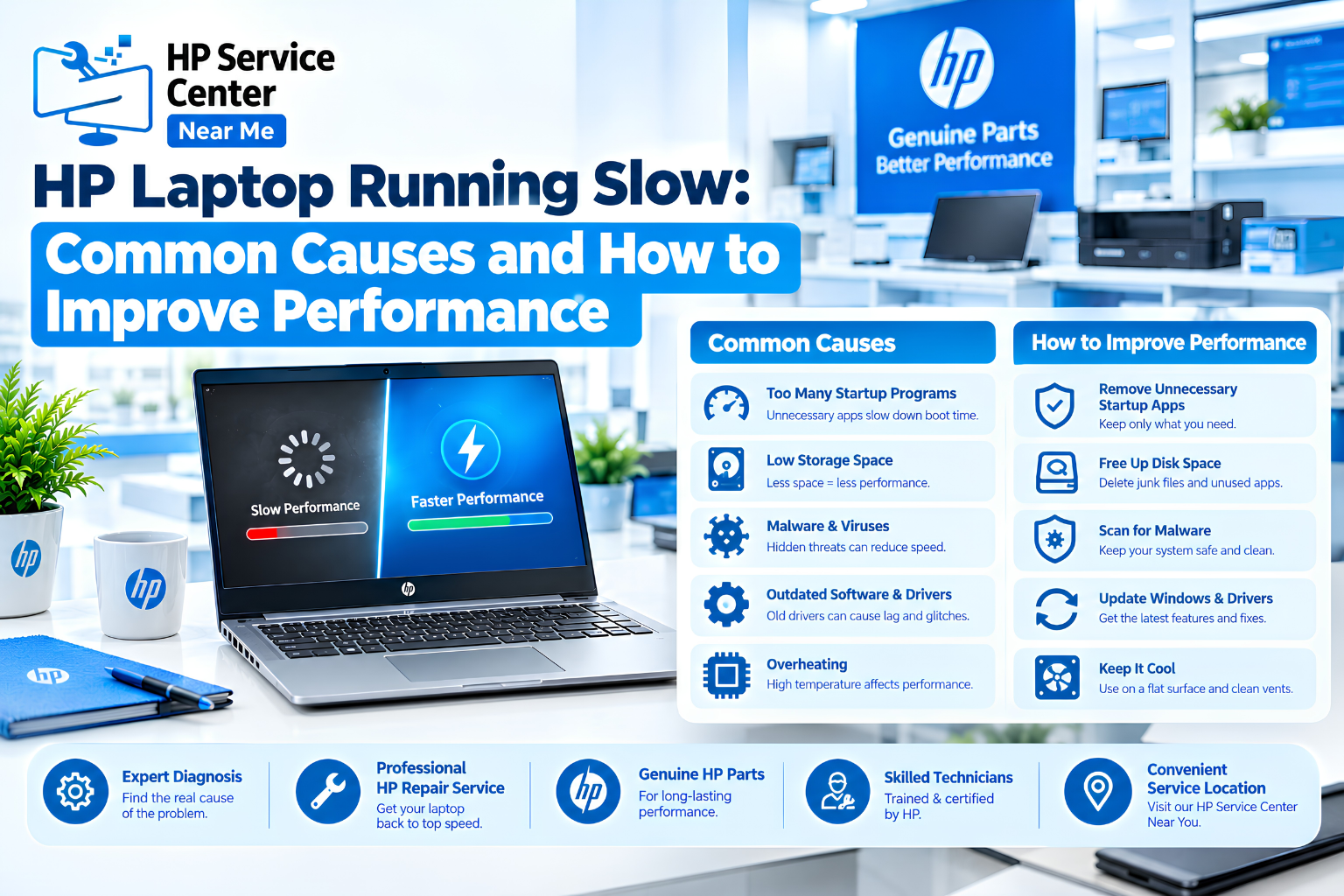
An hp laptop running slow usually has a simple cause. Too many startup apps, low storage, background tasks, heat, or old hardware are the usual suspects. You can check most of them in ten minutes.
This guide explains hp laptop slow performance and shows how to make hp laptop faster with safe steps. It also covers startup delays, update problems, and repair signs. Treat it as general advice, because every model differs.
Why Is Your HP Laptop Running Slow?
An hp laptop running slow usually points to one of seven causes: background apps, low storage, startup programs, pending updates, heat, old hardware, or unwanted software.
| Cause | Typical Clue | Quick Check |
| Background apps | High CPU or memory use | Task Manager |
| Low storage | Very little free space | Settings, then Storage |
| Startup programs | Slow after sign-in | Startup apps tab |
| Pending updates | Fan runs, system lags | Windows Update |
| Heat | Hot base, loud fan | Feel the vents |
| Old drive or low RAM | Disk near 100% | Performance tab |
| Unwanted software | Pop-ups, odd browser pages | Windows Security |
Age is rarely the first cause. A two-year-old laptop can feel new after a cleanup. Many users notice hp laptop lagging when a video call, ten browser tabs, and a download run together.
If hp laptop running very slow behaviour began suddenly, think about the last change you made. A new app, a new update, or a full drive is the usual answer.
How Can You Fix an HP Laptop Running Slow at Home?
You can fix many cases of an hp laptop running slow with eight safe steps. Follow them in order, and stop if a step feels risky.
- Restart the laptop. This clears stuck processes. Choose Restart, not Shut down, because Fast Startup can keep some problems alive.
- Check startup apps. Open Task Manager and sort the Startup apps tab by impact. Disable only nonessential items. This also helps with hp laptop slow startup.
- Free up storage. Back up your files first. Then empty the Recycle Bin, remove unused apps, and keep about 15% of the drive free.
- Install updates. Run Windows Update and get drivers from the HP support website. This step matters most for hp laptop slow after update cases.
- Check resource use. Click the CPU, Memory, and Disk columns in Task Manager. Close the top app if you don’t need it. A single heavy app often explains hp laptop lagging.
- Check for heat. Use a hard surface and keep the vents clear.
- Scan for malware. Run a quick scan in Windows Security.
- Review your hardware. An old hard drive or small memory may be the real limit.
These steps show how to make hp laptop faster without spending money. In most cases, hp laptop slow performance eases after the first three.
Why Is Your HP Laptop Running Slow at Startup?
An hp laptop running slow at startup usually means too many apps launch at sign-in, or the drive is full or old. Background update tasks can add to the delay.
Common reasons for hp laptop slow startup include:
- Too many startup apps
- Background updates after sign-in
- An older hard drive instead of an SSD
- Very little free storage
- A drive that is starting to fail
Time your startup once. Count from the power button to a usable desktop. If an SSD laptop needs more than a minute, check startup apps first. If it takes several minutes, suspect the drive.
A failing drive gives warnings, such as clicking sounds, file errors, or Disk at 100% for long periods. Back up your data right away if you see them. A hp laptop slow startup problem that keeps getting worse is a warning, not a nuisance.
Why Is Your HP Laptop Running Slow After an Update?
An hp laptop slow after update often recovers within a day, because Windows finishes cleanup and indexing in the background. If it lasts longer than two days, look deeper.
Check these points:
- Old or incompatible drivers
- Apps that need their own updates
- Leftover update files that fill the drive
- Another update waiting to install
Try this order. Restart twice, run Windows Update again, and then update the graphics and chipset drivers from the HP support website. If an hp laptop slow after update problem began with one specific update, ask a technician before you remove it.
Never reset the laptop to factory settings before you back up your files. A reset erases everything, and many people reach for it too early.
Can Hardware Upgrades Help an HP Laptop Running Slow?
Yes, but only when hardware is the real limit. An SSD helps laptops with old hard drives, and more RAM helps when memory stays full. Compatibility depends on your model.
| Upgrade | Helps When | Check First |
| SSD | An old hard drive shows Disk at 100% | Drive type your model supports |
| RAM | Memory stays above 80% in normal use | Free slot or soldered memory |
Some thin models have soldered RAM that can’t be upgraded. Confirm the model number on the HP support site before you buy any part.
A faster drive can’t fix heat, either. An hp laptop running slow because of dust won’t improve with new parts. Knowing how to make hp laptop faster also means knowing when not to spend money.
When Should You Get an HP Laptop Running Slow Checked?
Get your laptop checked when an hp laptop running slow problem stays after the basic steps, or when you see signs of hardware trouble. Watch for these:
- Frequent freezing or blue screens
- Sudden shutdowns
- Grinding or rattling noises
- Disk at 100% even when idle
- Heat that stays after you clean the vents
- Hp laptop running very slow behaviour that returns within days
Back up your files before any repair. Ask the technician to name the cause and give a written quote. Check a center’s authorization status before you hand over your laptop.
If you live near Ghaziabad and also use an HP printer, you can read about the HP printer service center in Ghaziabad. The steps above on how to make hp laptop faster come first, though.
Read more about HP’s history and business evolution in the technology industry.
Follow HP Service Center Nearby Me on Facebook and Instagram for expert HP laptop care tips, repair updates, exclusive offers, and money-saving deals. Stay connected!
Read our blogs for HP laptop repair tips, troubleshooting guides, expert advice, and the latest service updates!
What Are the Most Common Questions About an HP Laptop Running Slow?
Q1. Why has my HP laptop suddenly become slow?
A background update, a heavy app, low storage, or heat is the usual cause. An hp laptop running slow overnight often points to an update or a full drive.
Q2. How can I make my HP laptop faster?
Restart it, trim startup apps, free storage, install updates, and review Task Manager. This is how to make hp laptop faster at no cost.
Q3. Can low storage make an HP laptop slow?
Yes. Very little free space slows updates and system tasks, and it can cause hp laptop lagging.
Q4. Will adding RAM make my HP laptop faster?
It may help when memory stays full. Check your model first, because some laptops can’t take more RAM.
Q5. Why is my HP laptop slow even after an update?
Background tasks, old drivers, or a weak drive may be the cause. An HP laptop slow after update that lasts days needs a closer look.