HP laptop common problems include a laptop that will not start, overheating, fast battery drain, a dead keyboard, and screen faults. Most begin as small issues that you can test at home. Serious signs, such as a burning smell, liquid damage, or no power after a reset, need a technician. This guide gives quick checks for each fault and explains when to visit a service center in Noida. Regular HP laptop repair and maintenance keeps most of them away.
What Are the HP Laptop Common Problems?
The most frequent HP laptop common problems are power failure, overheating, battery drain, keyboard or touchpad faults, and screen issues. Each one has a simple first check.
| Problem | First Check | Visit a Technician If |
| HP laptop not turning on | Hard reset, then try another outlet | Nothing happens after the reset |
| HP laptop overheating problem | Clean the vents, use a hard surface | The fan is silent or the laptop shuts down |
| HP laptop battery draining fast | Run a battery report | Capacity is far below its design value |
| HP laptop keyboard not working | Restart and test an external keyboard | Liquid spill or dead keys remain |
| HP laptop screen problems | Connect an external monitor | Lines, flicker, or a blank panel remain |
Regular HP laptop repair and maintenance prevents prevents many of these faults. Clean the vents, update drivers, and care for the battery. Always back up your files before any repair. Knowing the HP laptop common problems early saves time and money.
Why Is an HP Laptop Not Turning On, and Is It Among the HP Laptop Common Problems?
An HP laptop not turning on usually has a drained battery, a faulty charger, or a stuck power state. Start with a hard reset.
Follow these steps in order:
- Unplug the charger and remove all USB devices.
- Hold the power button for at least 15 seconds.
- Plug in a charger you know works, then try again.
- Watch the lights, because some models blink the Caps Lock or Num Lock key to show an error.
- Press F2 at startup to open HP PC Hardware Diagnostics on many models.
If the HP laptop not turning on problem remains, the cause may be the power jack, the memory, or the board. Stop there and book a check. These HP laptop common problems often have a power cause, so check power first.
Is an HP Laptop Overheating Problem One of the HP Laptop Common Problems?
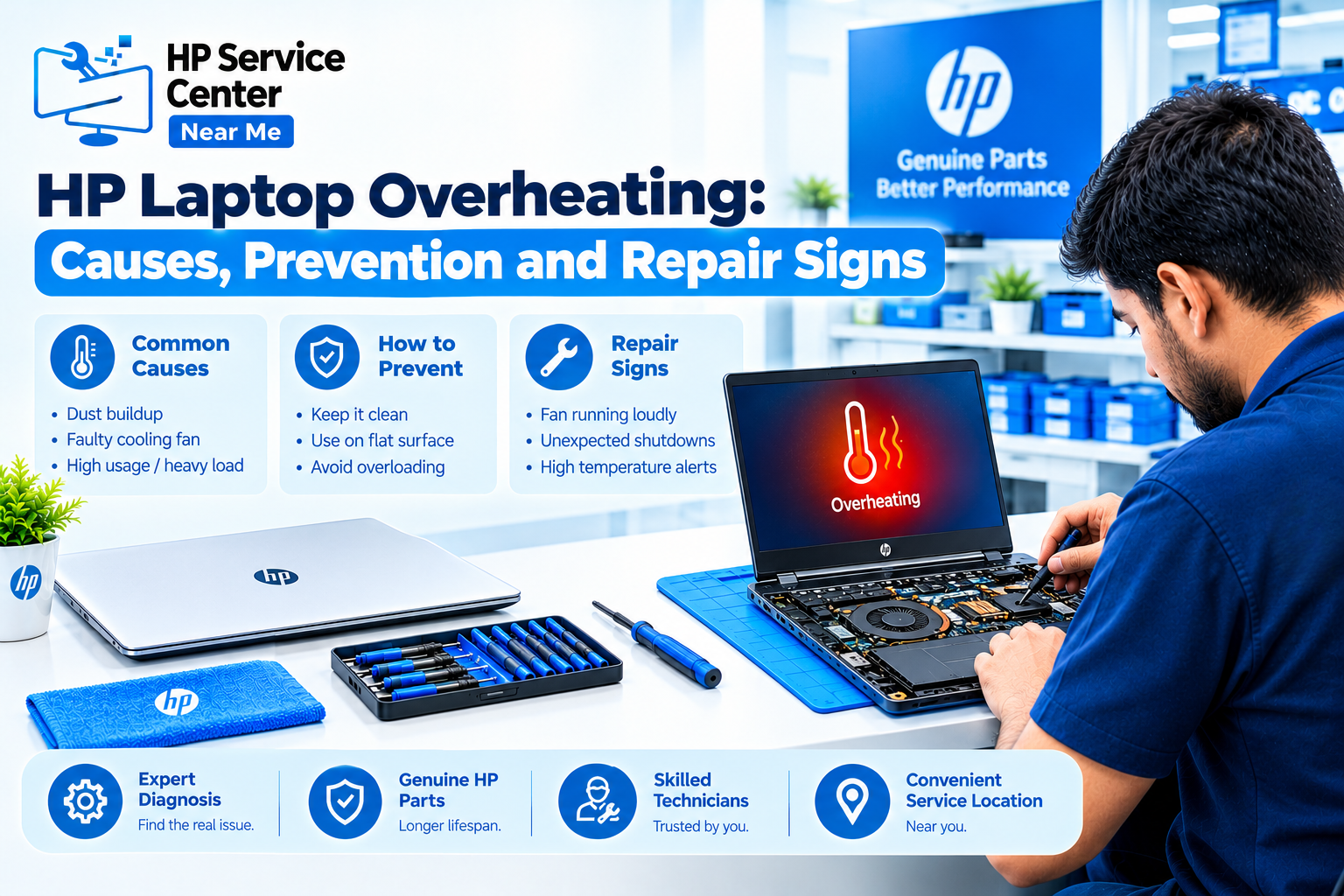
Yes. An HP laptop overheating problem usually comes from dust in the vents, blocked airflow, or heavy apps. Clean airflow fixes many cases.
Heat is one of the HP laptop common problems that can shorten a laptop’s life. Check the vents first. Dust builds up over months and traps heat. Place the laptop on a hard, flat surface, because beds and sofas block the air intake.
Next, press Ctrl, Shift, and Esc to open Task Manager, and close heavy apps. Heat also slows the laptop.
Visit a technician if the fan stays silent, the laptop shuts down on its own, or the HP laptop overheating problem returns after cleaning. The fix may be a new fan or fresh thermal paste. This is routine HP laptop repair and maintenance work, and yearly vent cleaning keeps temperatures down.
Why Is an HP Laptop Battery Draining Fast, and How Does It Fit Into HP Laptop Common Problems?
An HP laptop battery draining fast usually means the battery is wearing out, although bright screens and background apps also play a part. A battery report shows which one. Checking an HP laptop battery draining fast problem takes five minutes.
Open Command Prompt and type powercfg /batteryreport. Then open the report and compare the design capacity with the full charge capacity. A large gap means a worn battery.
Three causes are common:
- An aging battery with low full charge capacity.
- High brightness or many background apps.
- A faulty charger that never charges fully.
Battery wear is one of the HP laptop common problems that grows slowly. Replace the battery when the report shows low capacity or the laptop shuts down with charge left. If an HP laptop battery draining fast issue continues after that, ask a technician to test the charging circuit.
Stop using a swollen battery at once. A raised trackpad or a bulging base can be a sign, so do not press it or charge it. Good HP laptop repair and maintenance includes avoiding heat to protect the battery.
How Do You Fix HP Laptop Keyboard Not Working and HP Laptop Screen Problems, Two HP Laptop Common Problems?
These HP laptop common problems need different tests. Restarts and driver updates fix many input faults, while physical damage needs a technician. Screen faults need one extra test with an external monitor.
For an HP laptop keyboard not working, connect an external USB keyboard. If it works while the built-in keys fail,the keyboard is the likely fault. Spills are the usual cause of an HP laptop keyboard not working. For a dead touchpad, try a double tap on the top left corner, which toggles it on many HP models.
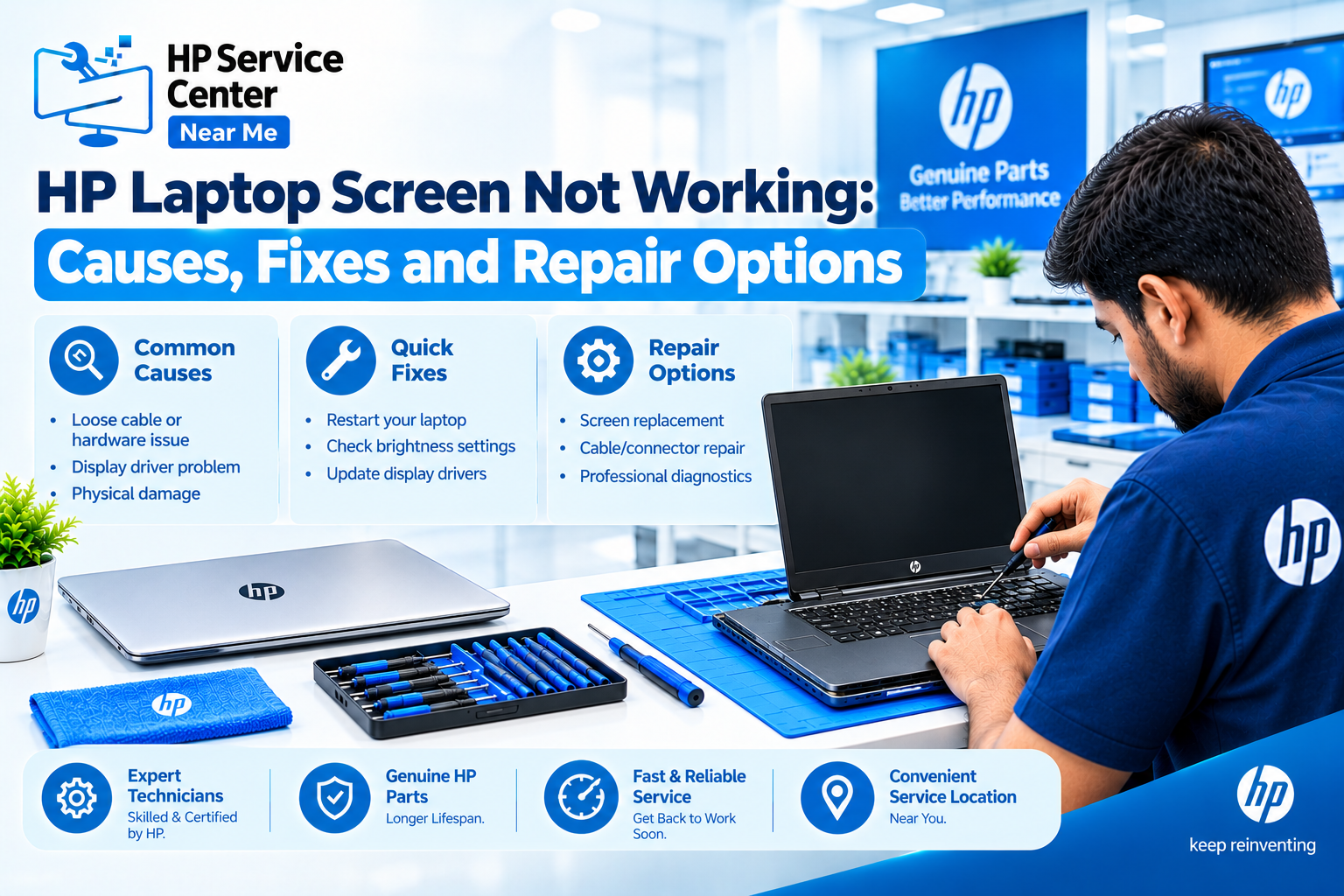
For HP laptop screen problems, connect an external monitor. A clear picture there points to the panel or cable. No picture points to the graphics or board. Many HP laptop screen problems come from the cable, not the panel, so early testing avoids extra damage.
| Screen Symptom | Likely Cause |
| Flickering | Loose cable or failing panel |
| Vertical lines | Damaged panel |
| Dark image, visible under a torch | Backlight failure |
| Blank screen, fan running | Board, memory, or graphics fault |
When Should You Visit a Service Center for HP Laptop Common Problems in Noida?
Visit a service center when a basic check fails or you see a safety sign, such as a burning smell, liquid damage, or a swollen battery.
Watch for these signs:
- No power after a hard reset.
- A spill on the keyboard.
- Repeated shutdowns from heat.
- Serious HP laptop screen problems, such as a cracked or lined screen.
- An HP laptop keyboard not working after an external test.
Not all HP laptop common problems need a shop visit. Choose the place with care. Look for a clear diagnosis before work starts, a written quote, a warranty on the repair, and honest answers about parts. Be wary of any shop that promises a fix without checking the laptop.
Confirm any claim of HP authorization, and ask for proof.
Noida is large, so check coverage by sector. The page for the HP laptop service center in Noida lists repair services, supported HP models, and areas such as Sector 2, 15, 18, 62, and 63. You can also read about HP laptop repair services in Noida there.
Back up your data before you hand over the laptop. Most HP laptop common problems are fixable when you act early.
Follow HP Service Center Nearby Me on Facebook and Instagram for expert HP laptop care tips, repair updates, exclusive offers, and money-saving deals. Stay connected!
Read our blogs for HP laptop repair tips, troubleshooting guides, expert advice, and the latest service updates!
FAQs: What Do People Ask About HP Laptop Common Problems?
1. Why is my HP laptop not turning on?
Common causes are a drained battery, a faulty charger, or a stuck power state. Try a hard reset first.
2. Why does my HP laptop overheat?
Dust, blocked vents, and heavy apps cause most cases of an HP laptop overheating problem.
3. When should I replace my HP laptop battery?
Replace it when the battery report shows low capacity or the laptop shuts down with charge left.
4. How do I find laptop repair services in Noida?
Compare diagnosis, written quotes, and warranty terms. Check coverage by sector before you book.
5. Can I fix HP laptop common problems at home?
Simple HP laptop repair and maintenance, such as a hard reset and vent cleaning, is safe. Leave battery, board, and liquid damage to a technician.